
One scan. Everything explained.
Nine visualizers, a duplicate finder that hashes real file contents, a dev-cache cleaner, snapshots, system monitor and reversible cleanup. Every feature is native, local, and available the moment you open the app.
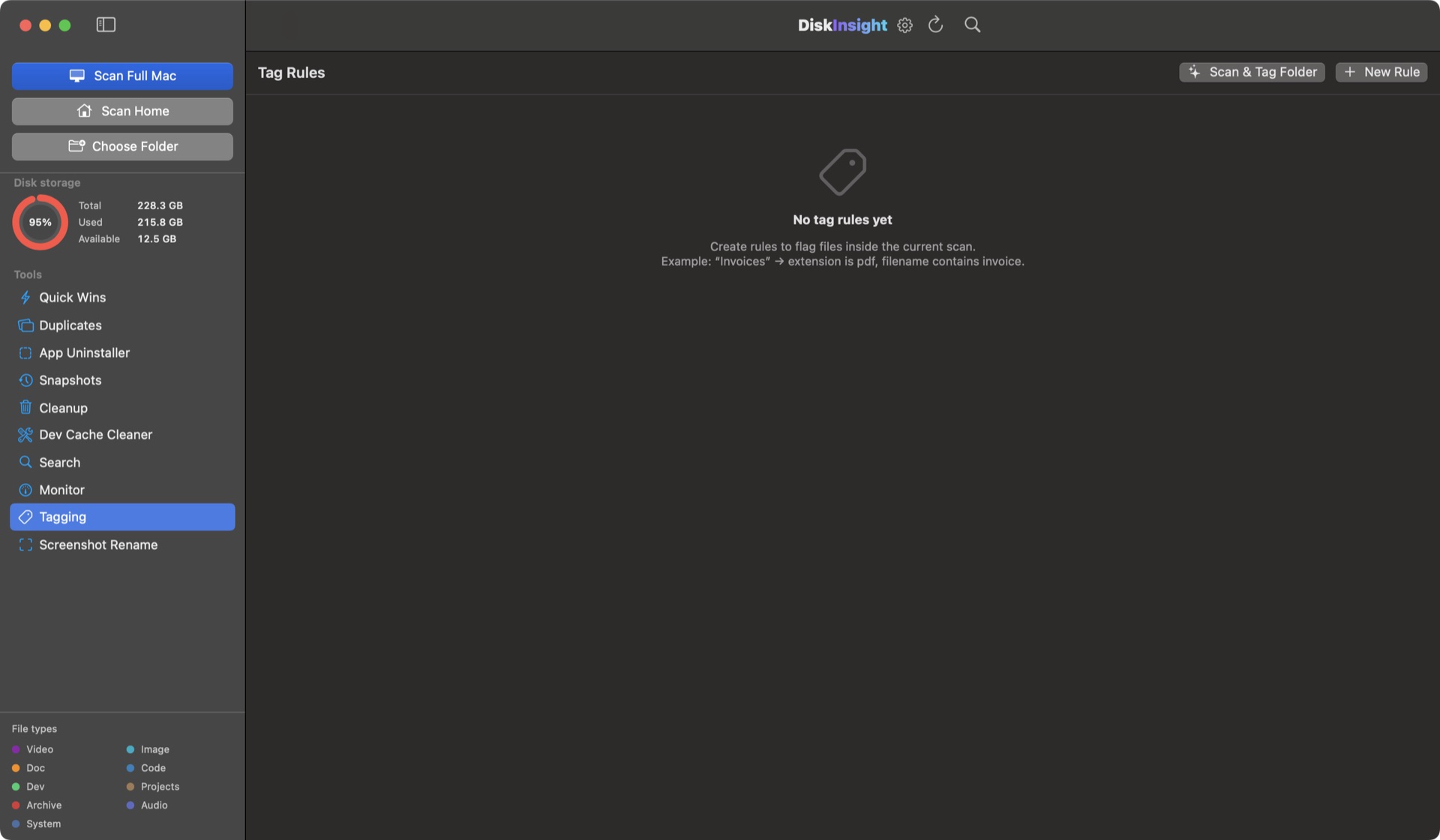
Nine ways to see your disk
Every visualizer reads the same scan, so you never rescan to change perspective.
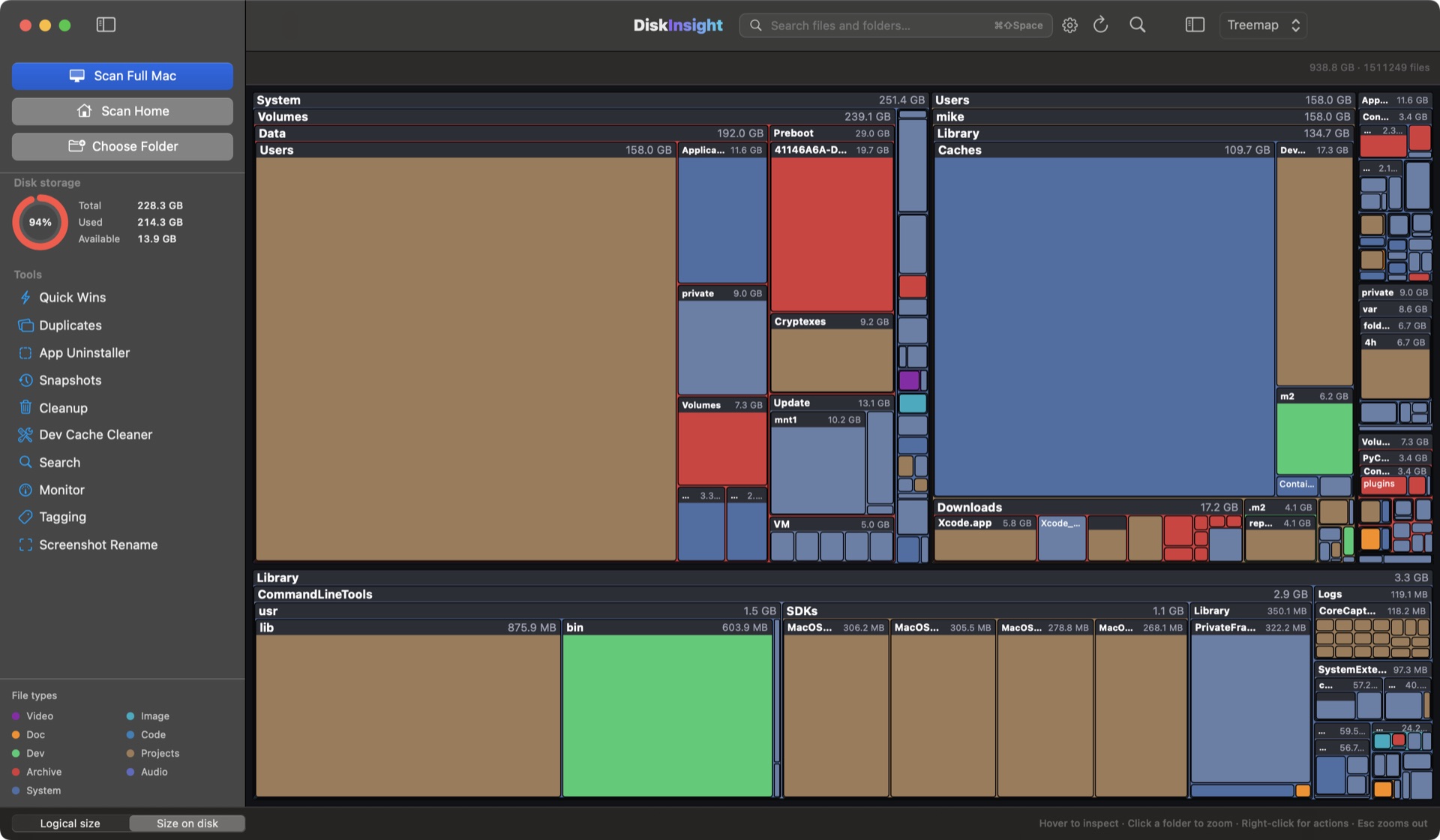
Treemap
Squarified layout that shows proportions of any folder in one glance. Click to zoom, right-click to stage.
Folders
Classic expandable browser with live size columns and sorting — great for deep manual exploration.
List view
Flat, sortable, searchable table of everything under the focus — copy paths, batch-stage, open in Finder.
Top sizes
The ringleaders ranked by size with quick context actions. The fastest “give me the list” in the app.
Age map
Color folders by last-modified age to spot ancient archives and stale caches at a glance.
Sunburst
A nested ring chart that follows your focus — centre is the chosen folder, outer rings its children.
Flame graph
Budget-style bar rendering that emphasizes big, deep paths — find the long-tail monster deep down.
Bubbles
Circular packing of your largest items. Readable, shareable, and surprisingly calming for huge drives.
Mind map
Node-branch layout for tracing how a folder is composed without losing the parent context.
Understand what’s growing
See changes over time, find real duplicates, and separate the stuff that matters from the noise.
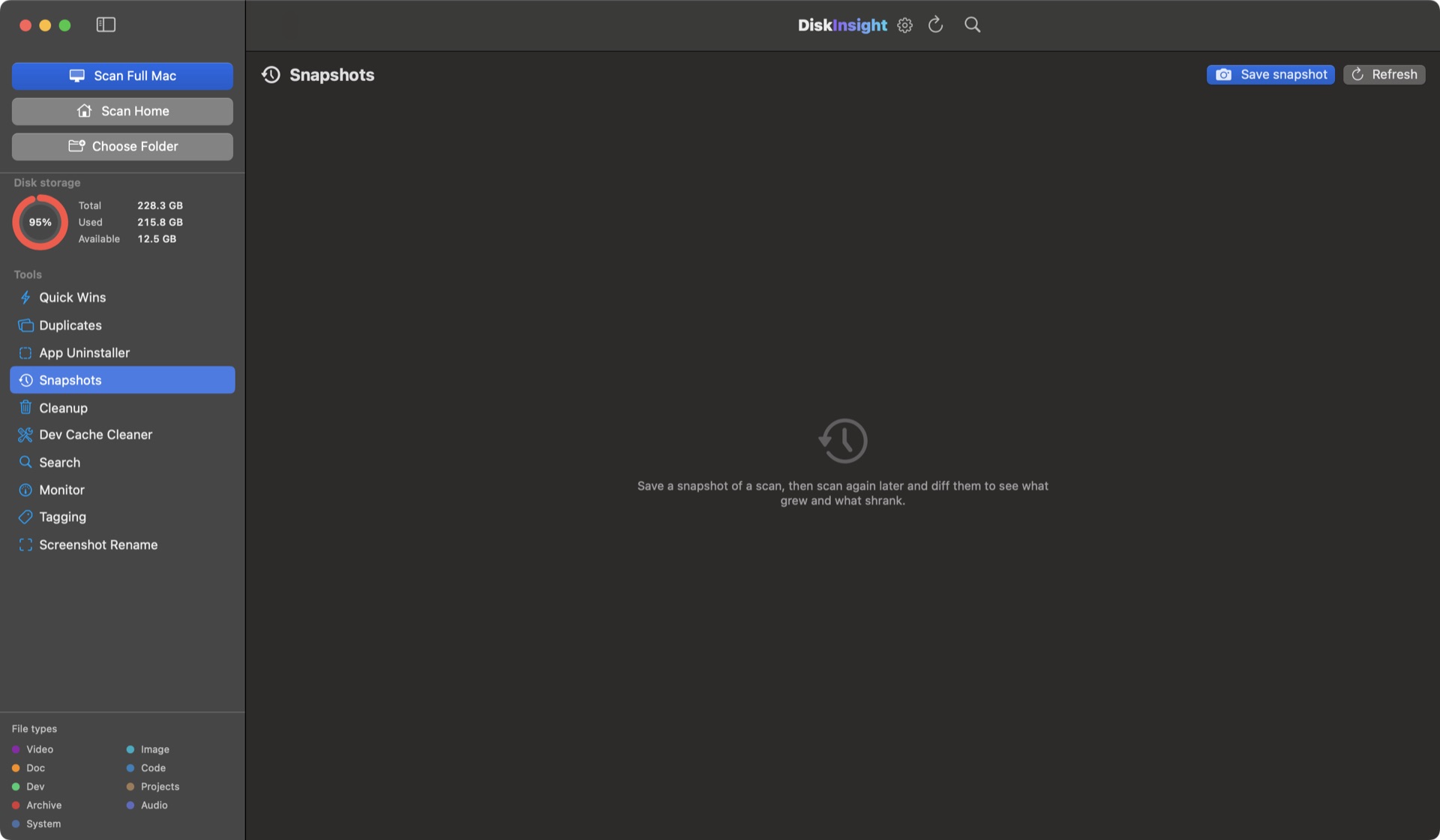
Snapshots
Save the current state of a scan and diff it against today. See exactly which folders grew.
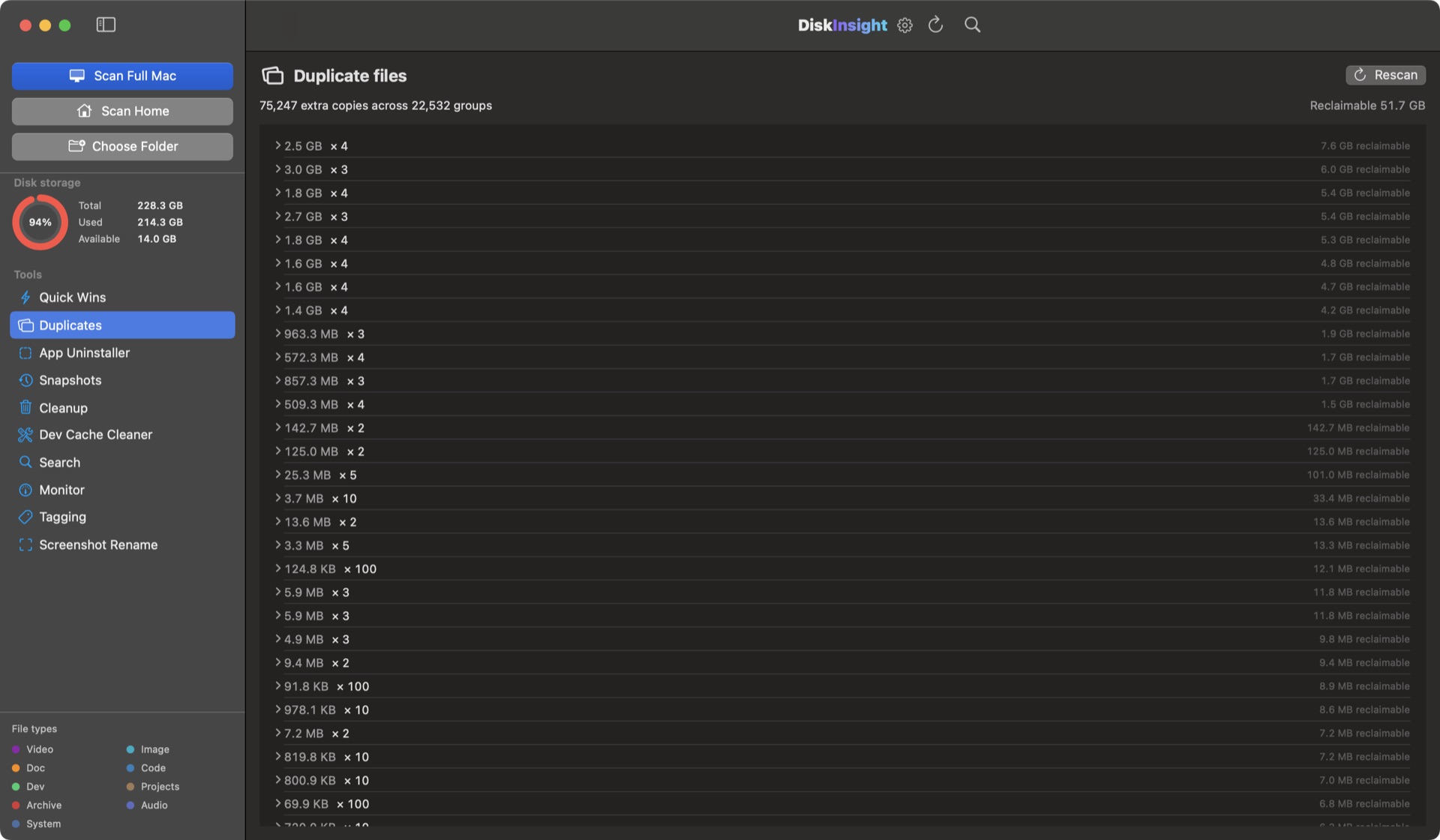
Duplicate finder
Hashes every file’s contents and groups lookalikes. Pick the keeper, preview the clones, reclaim the rest.
File type filters
Narrow by video, audio, docs, code, archives — or hide whole categories from every view.
Bloat filters
Collapse Node.js, Xcode and build-artifact trees across all visualizers so real data stays visible.
Insight inspector
Select any file or folder for a side panel with path, dates, byte counts and quick actions.
Logical vs on-disk size
See logical size and “size on disk” together, so clones and sparse files stop confusing you.
Reclaim space, safely
Everything you remove lands in the macOS Trash first. Nothing is deleted in the background, ever.
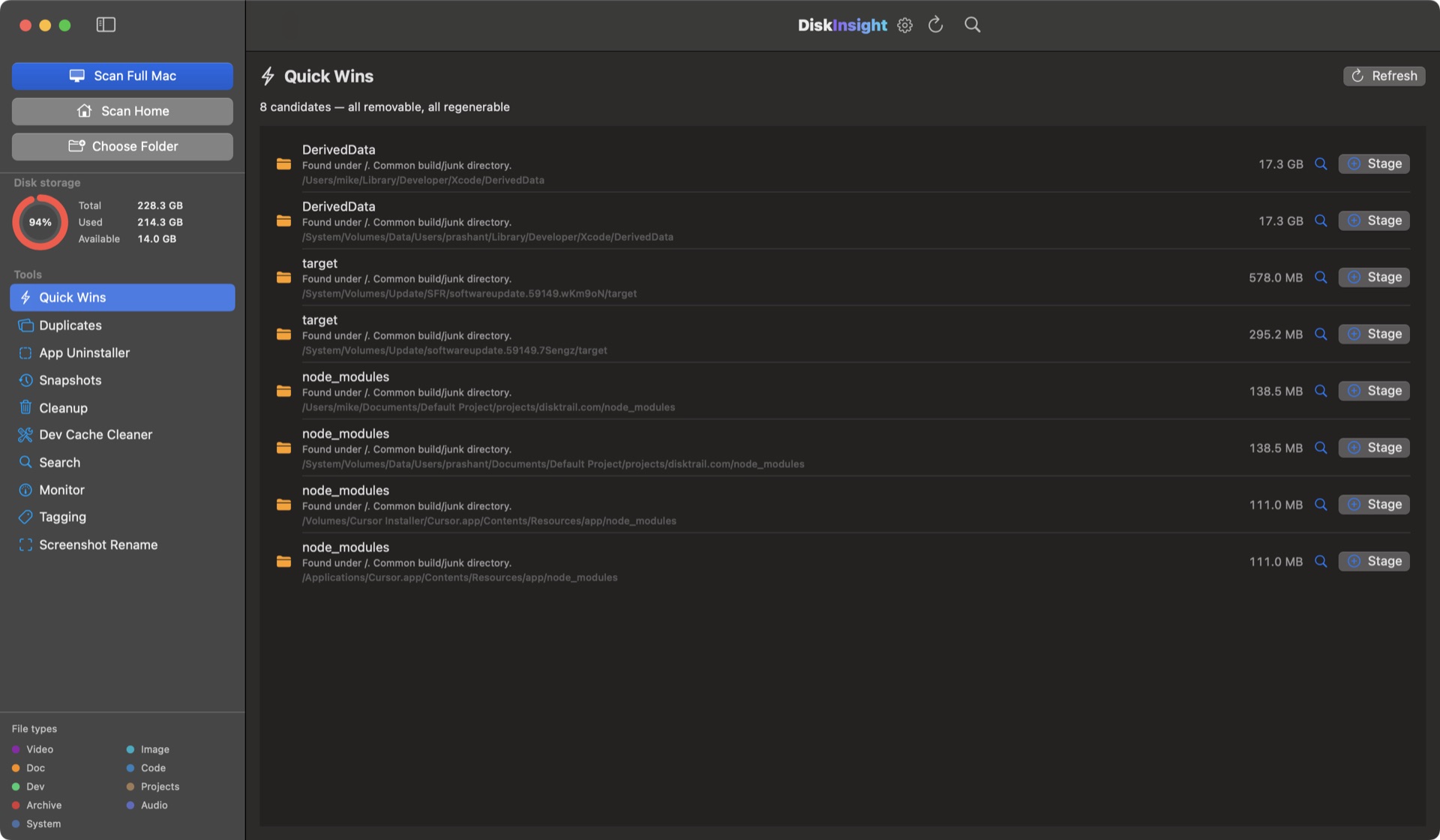
Quick Wins
Curated, right-now recommendations with byte counts. One click to queue, one more to review and trash.
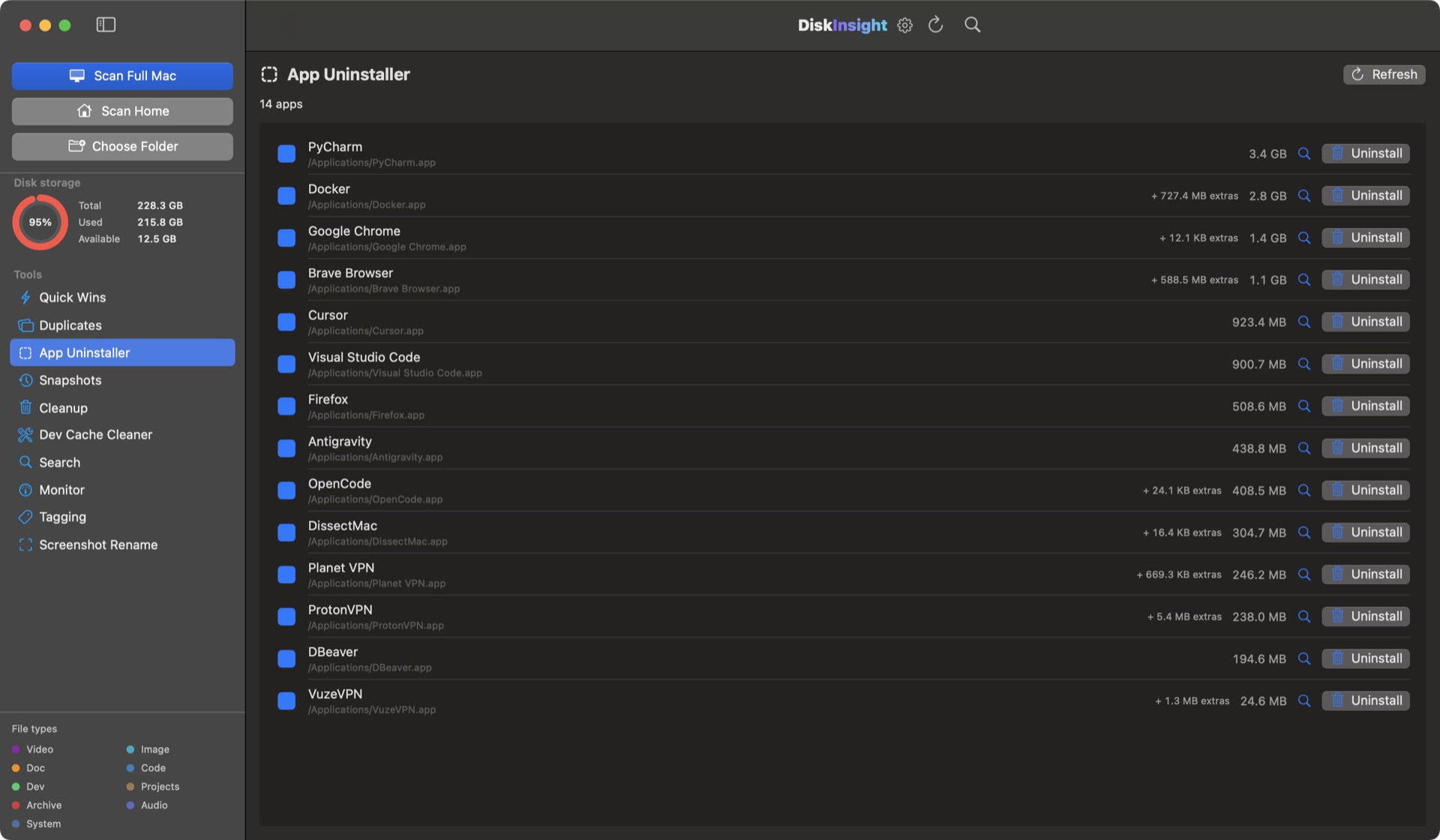
App Uninstaller
Removes an app and its Application Support, Containers, Caches, Preferences, Logs, Saved State and WebKit data.
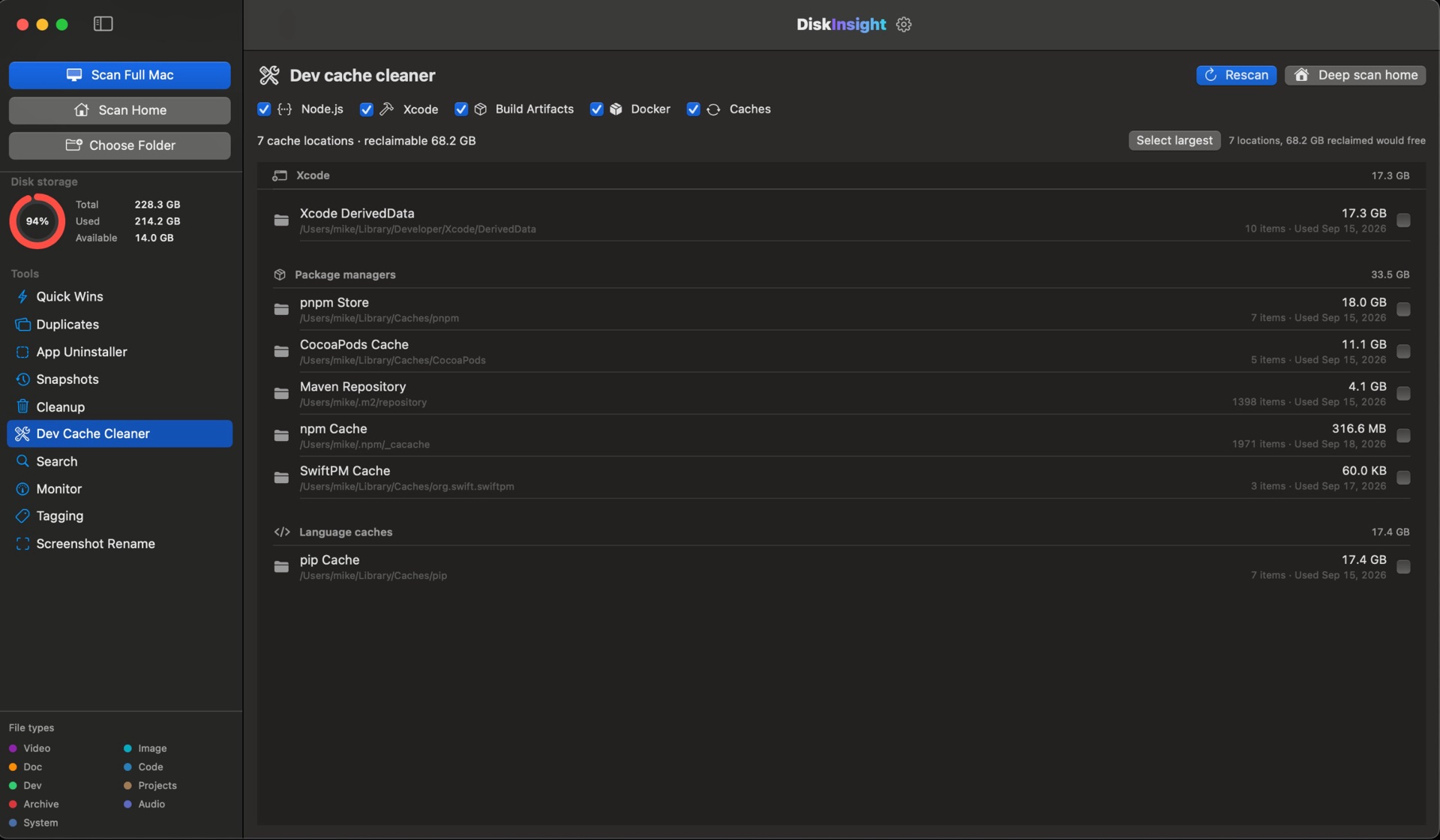
Dev Cache Cleaner
Twenty curated dev locations — DerivedData, simulators, SwiftPM, CocoaPods, Gradle, npm and more.
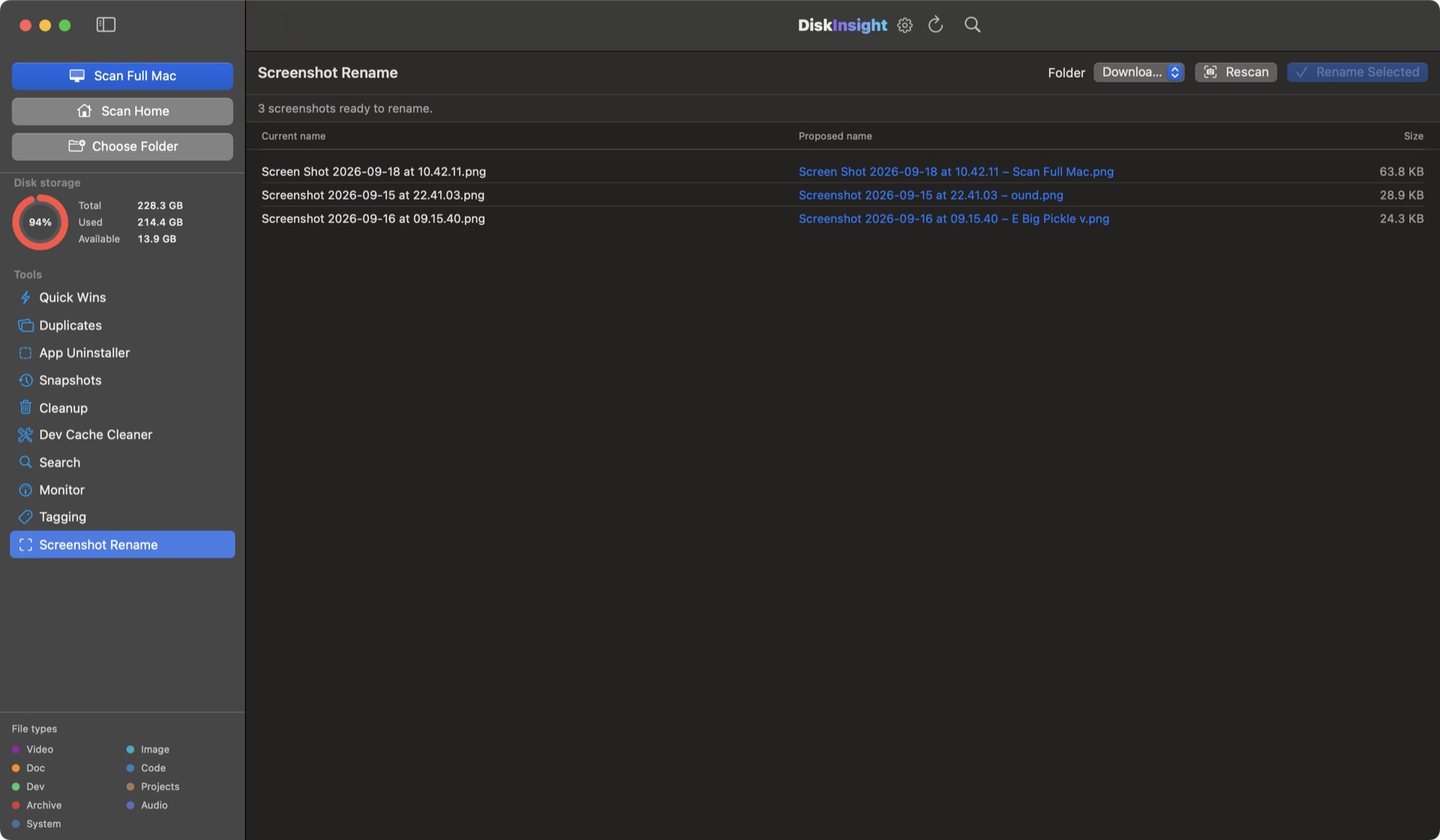
Screenshot renamer
Turn macOS screenshot names into descriptive, searchable filenames in one pass — with an undo-friendly dry run.
Trash, never delete
Every removal goes to the macOS Trash. You can always undo until the Trash is emptied.
Clean up now
Quick Wins ranks your candidates the moment a scan lands. Everything is staged first — nothing is ever deleted behind your back.
Get DiskInsight · Lifetime license · $9.99See the whole machine
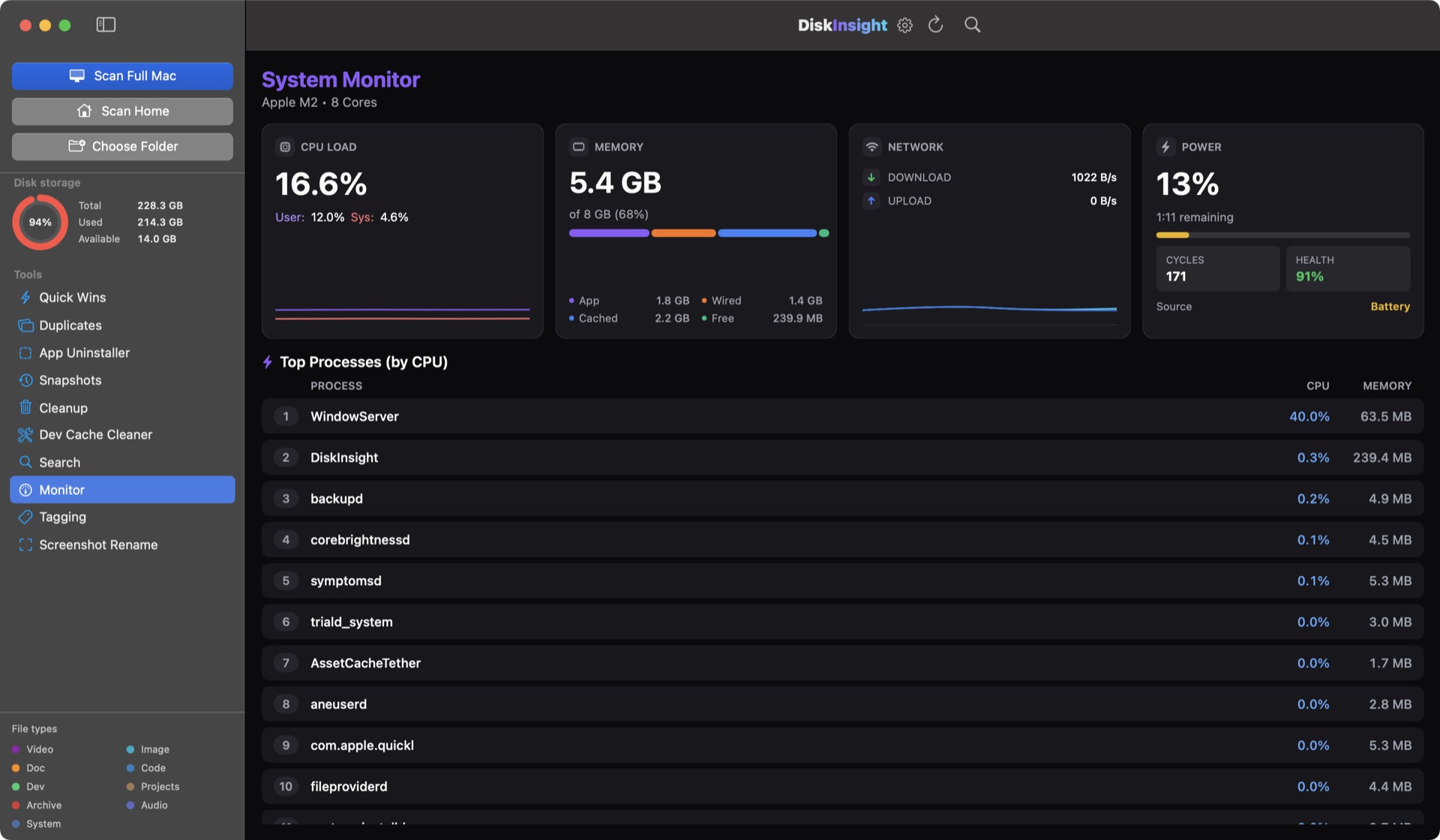
Live system insight alongside disk analysis — sampled every second, on your machine.
System monitor
Live CPU, memory, network and battery cards with sparklines, plus the top CPU processes.
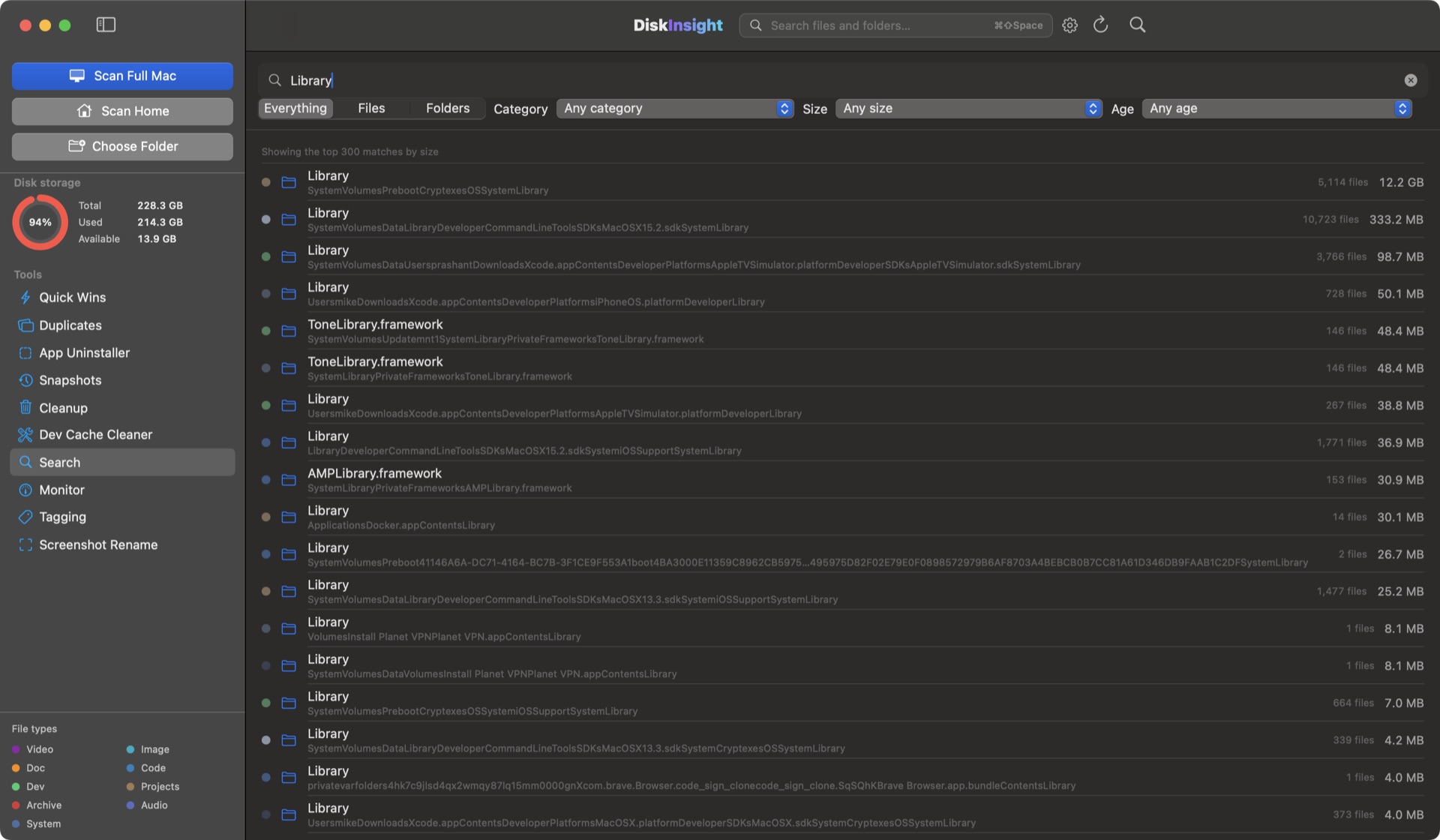
In-app search
Search names and paths across everything scanned. Results in milliseconds, grouped by folder.
Floating search
⌘⇧Space from any app opens a global search window and jumps straight to matches on your Mac.
Private by construction
DiskInsight never sends your data anywhere. There’s nothing to leak because nothing leaves the process.
No account, no cloud
Install, scan, done. No sign-up, no sync layer, no remote servers involved at any point.
Zero telemetry
No analytics SDKs, no crash reporters, no usage pingbacks. If the network is off, nothing breaks.
Local by design
Scanning, search, snapshots and cleanup all run in your process. Data lives only in your app support folder.
For dev machines too
No firewall exceptions or certificates to install. Safe on work laptops, NDA environments and CI machines.
Exportable
Everything is yours: scan results are local files, snapshots stay in a folder you own.
Trash-only cleanup
Cleanup never deletes permanently. It goes to the macOS Trash first, so even a mistake is reversible.
Ready to see your Mac differently?
Lifetime license. Scan in seconds, reclaim something today.